
Blog
Product Updates
Testing a loyalty program: QA vs production and test accounts

Jurgen Swaans

The most expensive bug in a loyalty program is not a crash. It is a bonus paid twice, to every member, on a busy Saturday. Points are a promise with a value on your balance sheet, and a reward that should not have been given is hard to take back without upsetting the customer.
That is why loyalty program testing deserves its own plan. This guide covers the choice between a separate QA environment and testing towards production, how to manage test accounts from creation to clean-up, and how to prevent duplicate bonuses before and after launch. It is based on how we test launches at NeoDay.
QA environment vs production: two ways to test
There are two common ways to test a loyalty program before launch.
A separate QA environment (often called UAT, for user acceptance testing) is a copy of the platform where you can try everything without touching real members. Testing towards production means you configure the real environment, test it with a closed group and test accounts, and open it to customers when it is ready.
Separate QA (UAT) environment | Testing towards production | |
|---|---|---|
Isolation | Full: nothing touches real members | Partial: test accounts and unpublished campaigns live next to real data |
Realism | Lower: test data, sometimes test till connections | Higher: real tills, real stores, real data streams |
Extra time in a NeoDay launch | About 2 weeks to set up | None |
Ongoing work | Two environments to keep in sync after launch | One environment |
Best for | Complex migrations, strict IT policies, many integrations | Most new programs with a standard setup |
With NeoDay, both are possible. Many launches work directly towards production, with a closed beta group of staff and friendly members in a few stores. When a separate UAT environment is part of the plan, it is set up first and production is configured after it, which typically adds about two weeks to the launch timeline.
Whichever you choose, one rule holds: build integrations against test or sandbox accounts of your other systems (till, CRM, marketing automation), not against their live accounts.
What to test before a loyalty launch
Test the flows members use, then the data behind them, then the edge cases.
Member flows
Sign up in the app and on the web, and sign in with an existing account.
Scan at the till and earn points on a purchase.
Join a challenge, make progress and complete it.
Play a game (scratch card, spin, shake) and receive the prize.
Redeem a reward or coupon in the store and online.
Link a physical card to an app account.
Data streams
Every transaction type from every channel arrives on the platform.
Each transaction arrives once, and only once.
Store, product and category data match what campaigns use as filters.
Edge cases that cause most problems
Returns and refunds: are points and challenge progress reversed?
Resent transactions: a till that resends after a network failure must not create a second earn.
Offline tills: transactions that arrive hours later still count for the right day and campaign.
Campaign boundaries: a purchase at 23:59 on the last day of a challenge, in the right time zone.
Overlapping campaigns: one purchase that qualifies for two campaigns earns what you intended, not more.
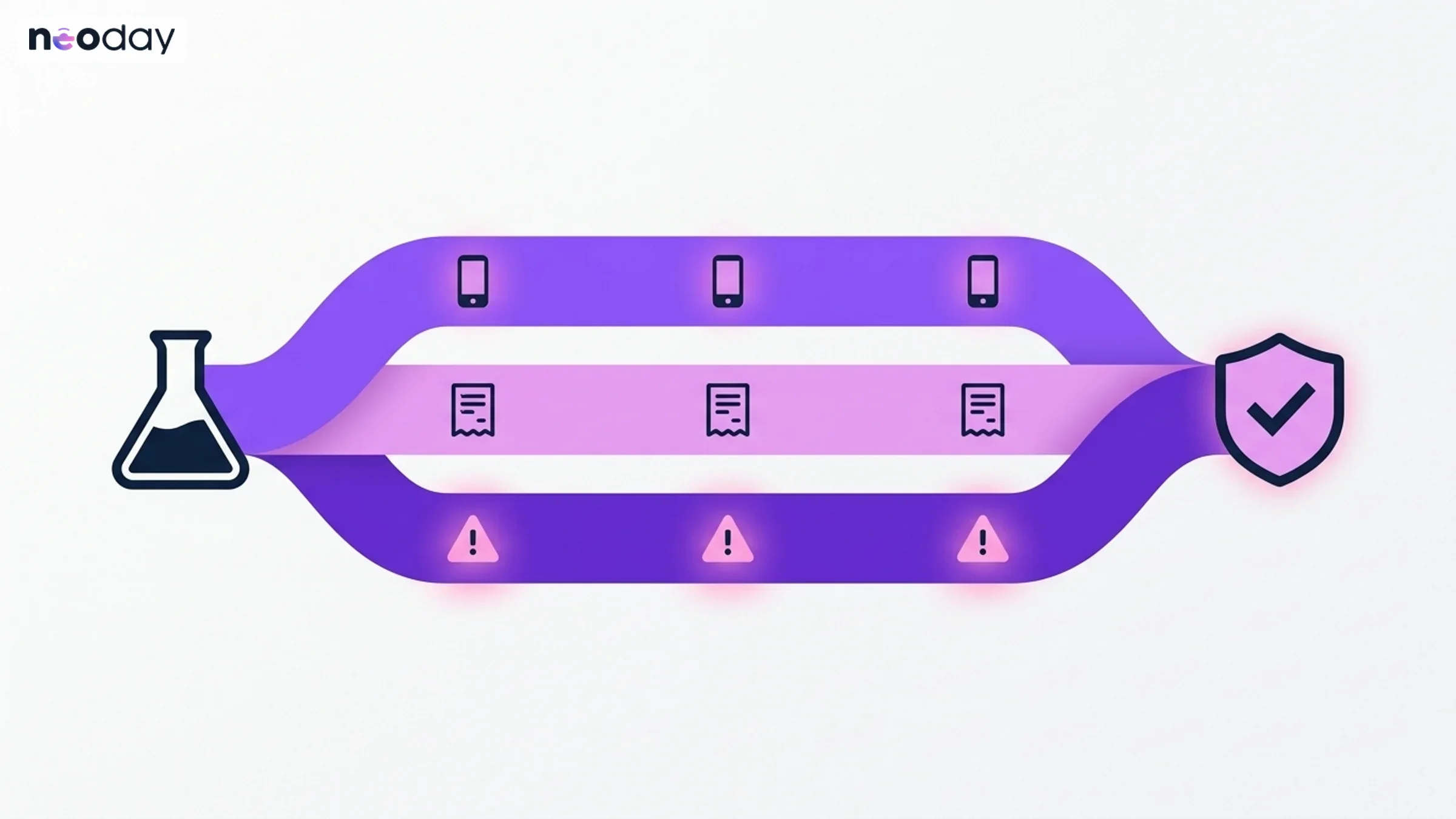
Test the member flows first, then the data streams, then the edge cases that cause double rewards.
The test account lifecycle
Test accounts are easy to create and easy to forget. A forgotten test account on a live campaign is how real rewards end up with your own staff. Manage them in four stages.
Stage | What to do |
|---|---|
Create | Use a fixed naming pattern and a dedicated email domain, so every test account is recognisable in every system. Record who owns each account and why. |
Use | Put test accounts in their own segment. Show new campaigns to that segment first, and leave the segment out of reporting so results stay clean. |
Monitor | Keep a few named accounts after launch to check new campaigns in production before members see them. |
Retire | Before launch, remove or anonymise the accounts you no longer need. NeoDay has GDPR tools for export and erasure (security). Do the same with every account a person has left behind. |
Two practical tips. Give beta testers in stores real but clearly marked accounts, so they test the real till flow. And agree in advance what happens to rewards earned during beta, so nobody is surprised.
How to prevent duplicate bonuses
Duplicate bonuses come from a small set of causes. Each one has a control you can test before launch.
Cause | Control |
|---|---|
A transaction sent twice by the till or an integration | Every transaction carries its own unique ID; test that a resent transaction does not earn twice |
The same receipt scanned or submitted twice | Duplicate receipt checks, and a review of flagged cases |
A member qualifying more often than intended | A participation limit per campaign, per member and per period |
A yearly reward triggered again | A once-per-period rule; in NeoDay, the birthday reward can fire only once every 365 days |
One person with two accounts | One member ID across app, web and till, and one physical card linked per account |
Migrated balances loaded twice | A trial migration with a reconciliation of totals before the real one |
Test accounts on live campaigns | A separate test segment that is excluded from live campaigns and reporting |
On the NeoDay platform, campaigns can be capped with participation limits, and a weekly fraud export lists the rules that were triggered, such as bulk accrual, bulk redemption, duplicate receipts, a fast earn-and-redeem cycle and bulk registration. Review that export every week in the first months after launch.
A go-live checklist for loyalty QA
All member flows tested end to end in real stores.
Each transaction type arrives once; resends tested.
Returns, refunds and offline tills tested.
Campaign start and end times checked in the right time zone.
Participation limits set on every campaign.
Test accounts in their own segment, excluded from live campaigns and reporting.
Unneeded test accounts removed or anonymised.
Migrated balances reconciled against the old system.
App release with the SDK through store review (SDK integration guide).
Customer service trained, and an owner named for the weekly fraud export.
Actionable takeaways
Decide in week one between a separate QA environment and testing towards production.
Give every test account a recognisable name and its own segment.
Test resent transactions and returns before anything else.
Set participation limits on every campaign from the start.
Review the fraud export weekly in the first months.
NeoDay adds extra support during testing, with more availability in the run-up to go-live and standby on launch night. To see how a NeoDay launch is planned and tested, get a demo.
FAQ
What is the difference between a QA environment and production in loyalty?
A QA (or UAT) environment is a separate copy of the loyalty platform for testing, with no real members. Production is the live environment that real members use. With a QA environment you test in full isolation; testing towards production uses real stores and data with a closed group and test accounts.
Do we need a separate test environment for our loyalty program?
Not always. Many NeoDay launches test directly towards production with a closed beta group, which is more realistic and faster. A separate UAT environment makes sense for complex migrations or strict IT policies, and typically adds about two weeks.
How should we manage test accounts in a loyalty program?
Use a fixed naming pattern and a dedicated email domain, keep test accounts in their own segment, exclude that segment from live campaigns and reporting, and remove or anonymise the accounts you no longer need before launch.
How do you prevent duplicate loyalty bonuses?
Give every transaction a unique ID and test that resends do not earn twice, set participation limits per campaign, use one member ID across channels, and reconcile migrated balances in a trial run. On NeoDay, a weekly fraud export also flags patterns such as duplicate receipts and bulk accrual.
What should we test before launching a loyalty program?
Test every member flow (sign up, earn, challenge, game, redeem), every data stream from tills and online channels, and the edge cases: returns, resent transactions, offline tills, campaign end times and overlapping campaigns.
How long does loyalty testing take?
In a NeoDay launch of as little as 10 weeks, a closed beta takes about two weeks and QA and readiness another two. A separate UAT environment adds about two weeks to the plan.