
Blog
Product Updates
Loyalty SDK integration: entry points, eligibility and a checklist

Jurgen Swaans

If your customers already use your app every week, that app is the best place for your loyalty program. Nobody has to download anything new, there is one login and one icon, and loyalty gives people one more reason to open the app you already invested in. A loyalty SDK integration is how you get there.
This guide is for the marketing and app teams who have to make it work together. It covers what a loyalty SDK brings, where loyalty should appear in your app (the entry points), how your CRM decides who is eligible for what, and a checklist we use with retailers that integrate the NeoDay SDK.
What a loyalty SDK does in your app
An SDK (software development kit) is a library your app team adds to the app. A loyalty SDK brings the loyalty screens and logic with it: the member's balance, challenges and milestones, rewards, games and the scan code for the till. Your app decides where these appear and hands the SDK the customer who is already signed in. The SDK talks to the loyalty platform in the background.
The NeoDay SDK comes with prebuilt screens for iOS, Android and React Native, themed with your fonts, colors and icons, so loyalty looks like part of your app (NeoDay SDK). Campaigns, rewards and games are configured on the NeoDay platform, so marketing can launch a new challenge or game without a new app release.
What changes | Where it is managed | Needs an app release? |
|---|---|---|
A new challenge, reward or game | NeoDay back office | No |
Campaign texts, images and timing | NeoDay back office | No |
Who sees which campaign (segments) | NeoDay back office, with data from your CRM | No |
Where loyalty appears in the app (entry points) | Your app code | Yes |
A new SDK version | Your app code | Yes |
That split is the main reason the SDK route works for marketing teams: day-to-day changes stay on the platform and never wait for an app store.
Entry points: where loyalty appears in your app
Entry points decide adoption more than any other part of the integration. A loyalty program that sits three taps deep in the account menu will not be used, however good it is.
Entry point | What it shows | Why it matters |
|---|---|---|
A loyalty tab in the main navigation | Balance, challenges, rewards, games | Makes loyalty part of every visit to the app |
A home screen card | This week's challenge or today's game | The single strongest driver of engagement |
The member card or scan code | QR or barcode for the till | Has to open in one tap, in the store, often with poor signal |
Product and category pages | "This product counts for your challenge" | Connects loyalty to buying |
Order confirmation and digital receipt | Points earned, challenge progress | The moment the member feels the reward |
Push messages, email and SMS | A deep link to the right loyalty screen | Brings members back to a specific challenge |
QR codes in store and on receipts | A link that opens the app on the right screen | Bridges the physical store and the app |
Our advice: start with three entry points (the tab or home card, the scan code and deep links from push), launch, and add product-page entry points once you see how members use the program.
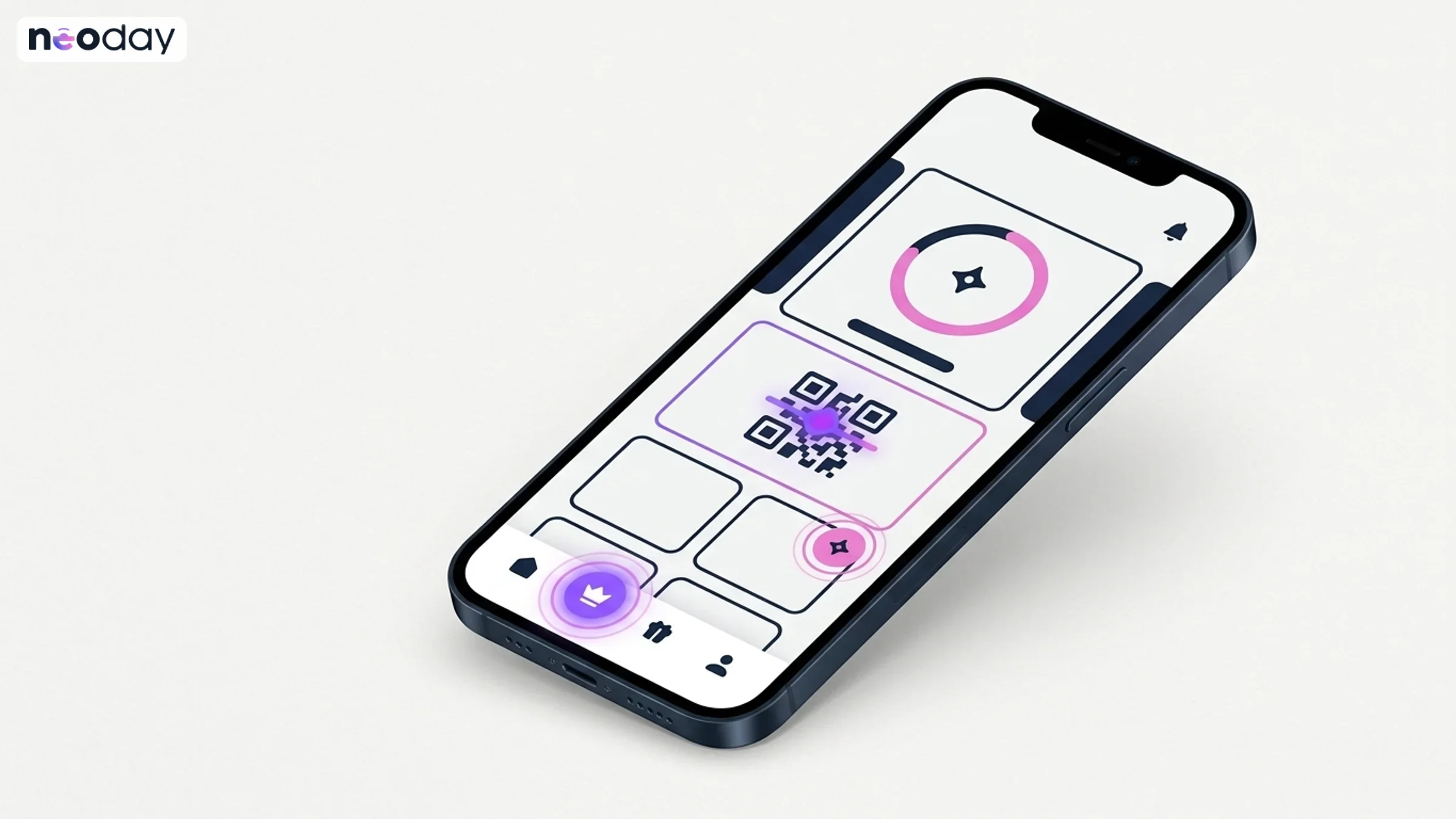
Entry points decide adoption. A home card and a one-tap scan code matter more than any feature list.
Identity: handing the member to the SDK
Your app already knows who the customer is. The SDK should not ask again. The integration covers:
passing the signed-in customer to the SDK, so their loyalty account is created or found automatically;
sign-out, account switching and expired sessions;
one member ID across the app, the till and the web, so a purchase in the store and a challenge in the app land on the same account.
If you also run loyalty on the web or with a physical card, the same member ID applies there. That is what makes it possible to start with one route and add another later.
CRM eligibility: who gets which part of the program
Not every customer should see every campaign, and some should not join at all. Eligibility is the set of rules that decides that, and most of the data for it lives in your CRM.
Typical eligibility rules for retailers:
Membership: only signed-in customers who accepted the loyalty terms take part.
Consent: marketing messages only go to members who opted in, per channel.
Age: campaigns for alcohol or tobacco products only for members above the legal age.
Country or banner: a campaign only for one market or one store format.
Staff: employees excluded from certain rewards, or included in a staff-only test group.
Value or lifecycle: a win-back challenge only for lapsed members, a premium reward only for top members.
How it works with NeoDay:
Your CRM or customer database sends the attributes that matter (consent, birth date, country, segment) to NeoDay through the API or the data bridge.
In the NeoDay back office, marketing builds segments on those attributes and on loyalty behavior.
Each campaign, challenge or game is assigned to one or more segments, so only eligible members see it.
Messages go out through your marketing automation tool. NeoDay connects to providers such as Braze, Klaviyo and Pushwoosh, so a challenge can trigger an email or push in the tool your CRM team already uses.
Agree in week one which system is the source of truth for each attribute. Consent in particular should have exactly one owner.
The loyalty SDK integration checklist
We use this list with every retailer that integrates the NeoDay SDK. It is written so that marketing and the app team can fill it in together.
Adoption
Monthly active users of the app, and how often they open it.
The entry points for launch, and the ones for later.
A plan for members without the app: a web version, a physical card or a wallet pass.
Release planning
The app's release rhythm and code-freeze dates for the next two quarters.
A named app release for the first SDK integration, agreed with the app team.
A list of which changes need a new SDK version and which are configured on the platform.
Time for regression testing with every SDK update.
Identity and data
How the signed-in member is handed to the SDK: token type, lifetime, refresh and sign-out.
One member ID across app, till and web.
Which CRM attributes NeoDay needs for eligibility, and which system owns each one.
A field-by-field list of what the SDK collects and sends, for your privacy labels in both app stores.
Security and quality
Supported iOS and Android versions, and React Native if you use it, checked against your app.
The added download size per platform, measured in your own build.
Permissions the SDK requests, each with a reason.
Your security review of the SDK and the API. NeoDay holds ISO 27001 and ISO 9001 certificates (security).
Design and launch
Theming and screen designs signed off: fonts, colors, icons, tone of voice.
Deep links from push, email and QR codes to the right loyalty screens.
Test accounts for the beta group, and a plan to clean them up (QA guide).
How long a loyalty SDK integration takes
In a NeoDay launch of as little as 10 weeks, your app team reads the SDK documentation in the first weeks, agrees the details with NeoDay around week four, builds the integration in two to three sprints after design sign-off, and ships it in a regular app release through store review. The launch timeline shows how that fits with the rest of the plan, including why you should not launch just before Black Friday.
Texaco took this route: loyalty inside its existing app through the NeoDay SDK, with +80% active users and +18% visit frequency (Texaco case).
Actionable takeaways
Choose three entry points for launch, with a home card and a one-tap scan code among them.
Agree on the app release that carries the SDK in week one.
Name one owner per CRM attribute, consent above all.
Build eligibility as segments on the platform, not as code in your app.
Plan regression testing for every SDK update, not only for the first one.
Not sure whether an SDK or a standalone app suits you better? See how the three routes compare on our deployment page, get a demo, or calculate your business case.
FAQ
What is a loyalty SDK?
A loyalty SDK is a software library your app team adds to your existing app. It brings loyalty screens and logic, such as balance, challenges, rewards, games and the scan code, so members use loyalty inside the app they already have instead of downloading a separate one.
Which platforms does the NeoDay SDK support?
The NeoDay SDK supports iOS, Android and React Native, with prebuilt screens that are themed with your brand's fonts, colors and icons.
Where should loyalty appear in our app?
Start with a loyalty tab or home screen card, a scan code that opens in one tap, and deep links from push messages. Add entry points on product pages and order confirmations once the program is live.
How does the CRM decide which members are eligible?
Your CRM sends attributes such as consent, birth date and country to the loyalty platform. In NeoDay, marketing builds segments on those attributes and assigns each campaign to the right segments, so only eligible members see it.
Do we need a new app release for every loyalty campaign?
No. With the NeoDay SDK, campaigns, rewards and games are configured on the platform and appear in the app without a release. Only changes to entry points or a new SDK version need an app release.
How long does it take to integrate a loyalty SDK?
The build usually takes your app team two to three sprints. Within a NeoDay launch of as little as 10 weeks, plan the documentation review, the build and the app release across roughly weeks one to nine.
Can we use the SDK and a web version at the same time?
Yes. With NeoDay, the SDK, a standalone app and the web all run on the same back end with one member ID, so members without the app can still take part.